 Software, built blind-first
Games / Solyr

Solyr
Table tennis, played by ear.
Coming soon
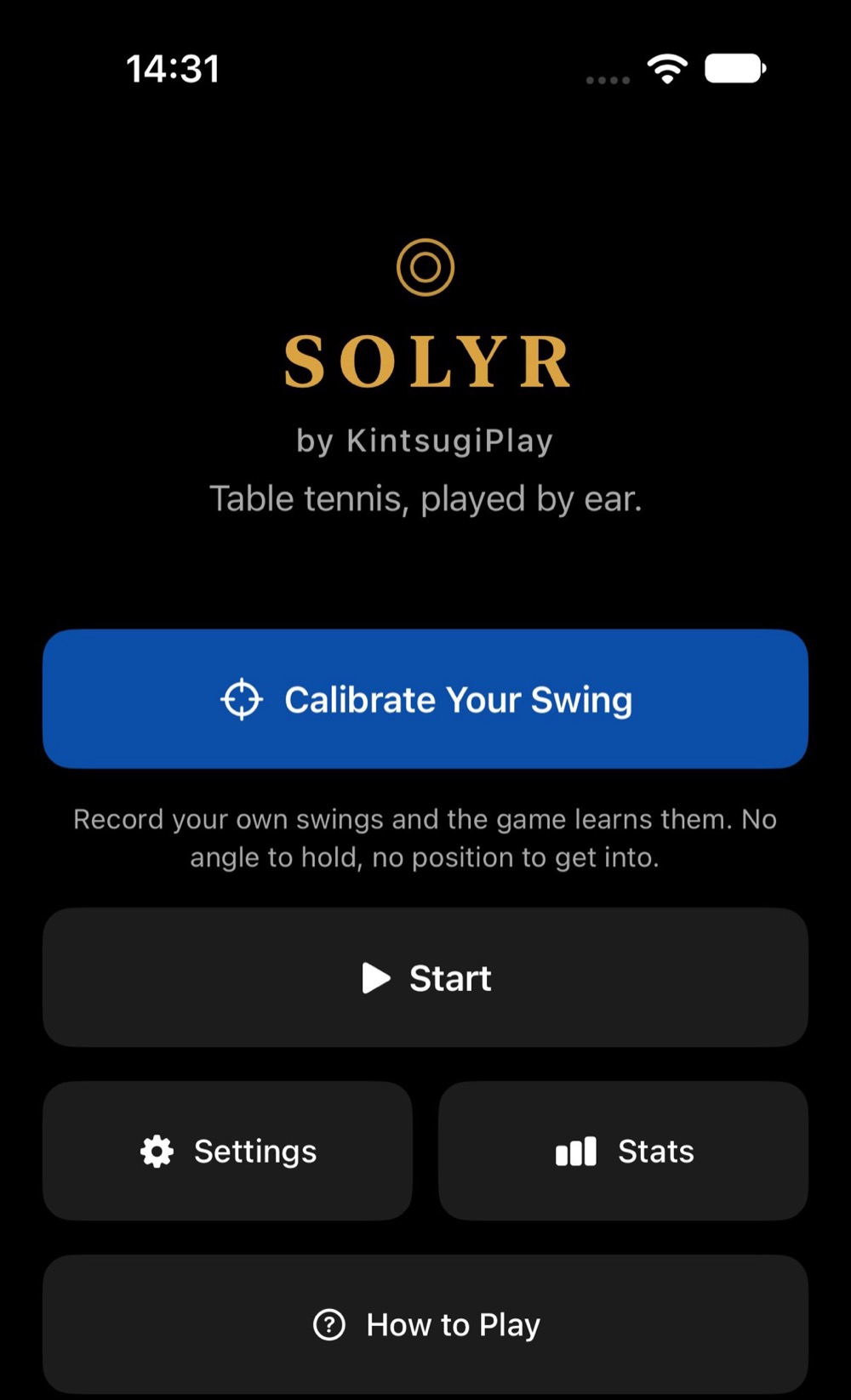
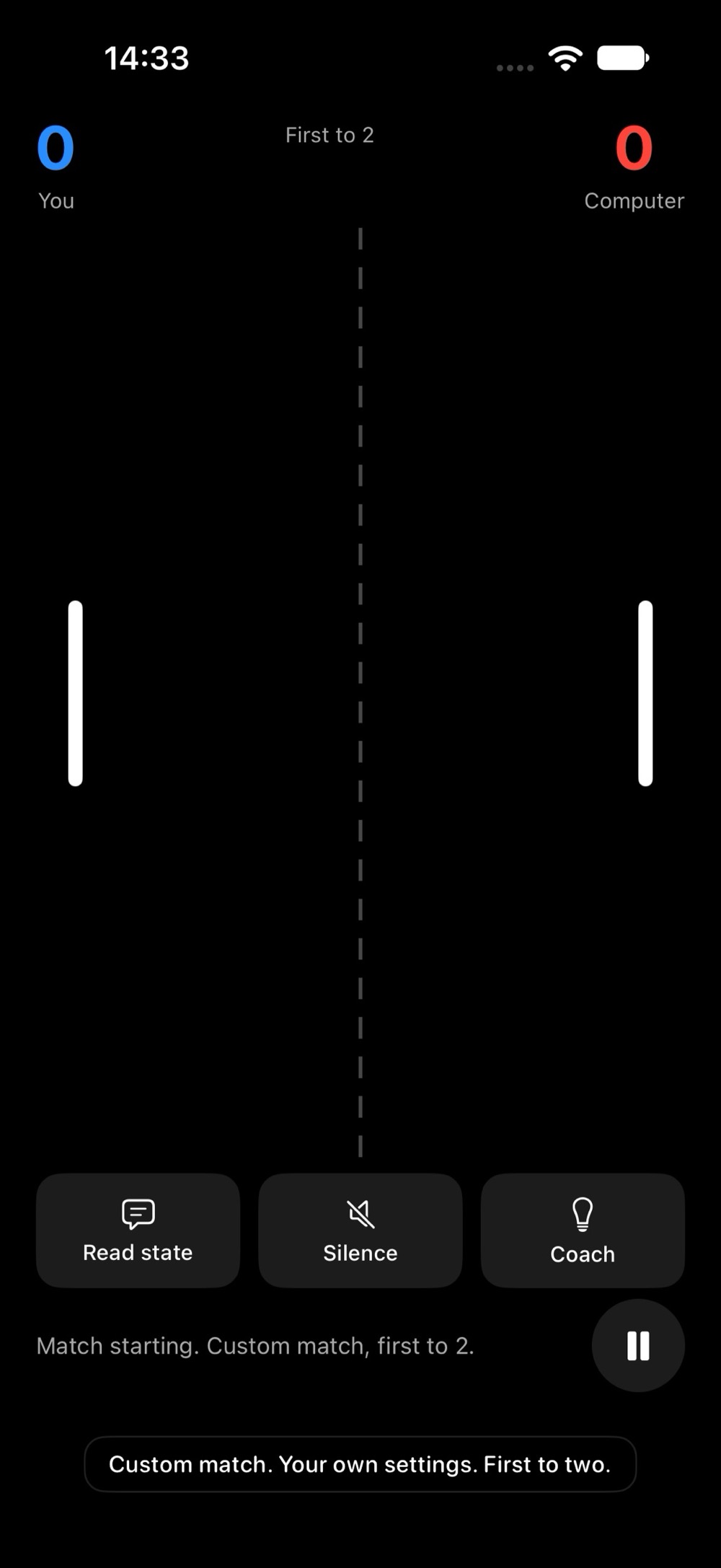
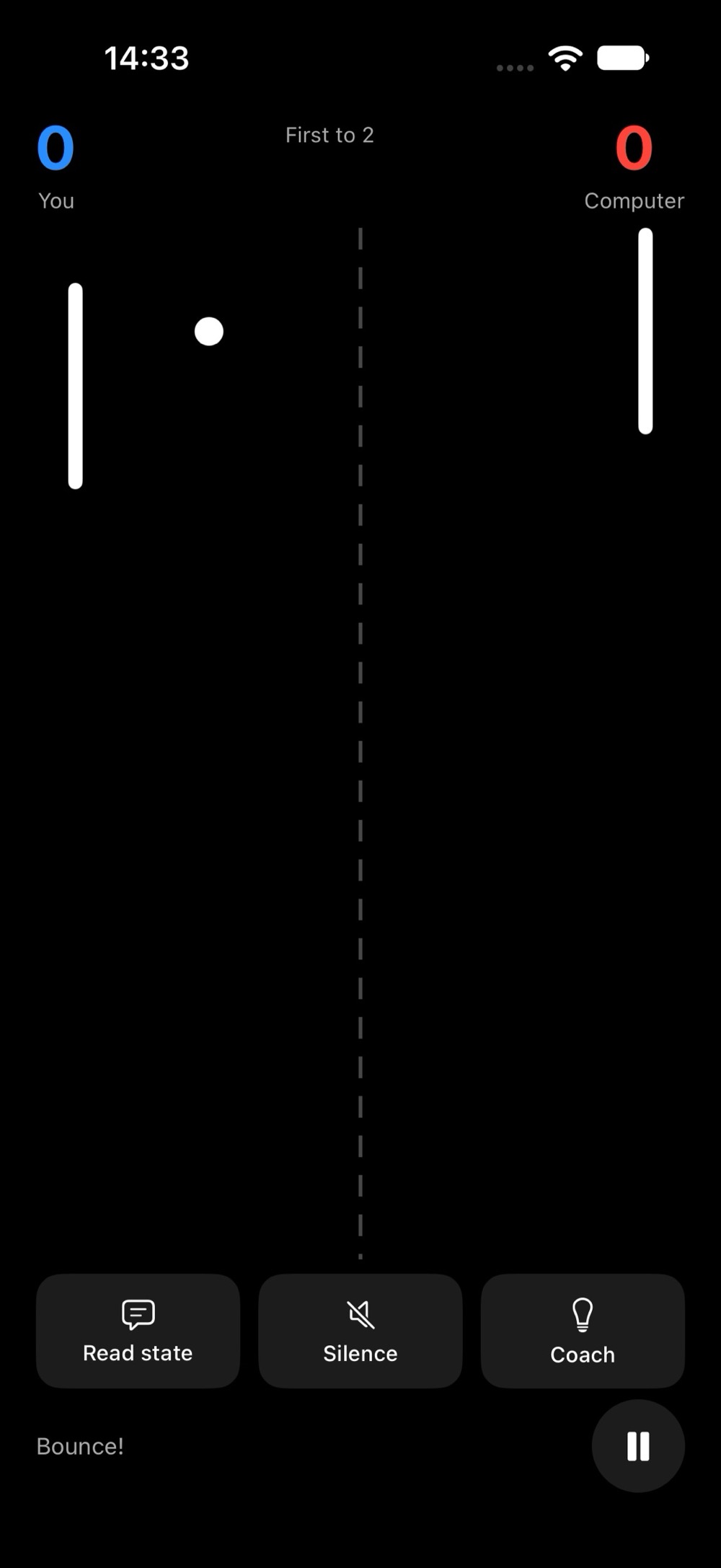
Solyr is not in the App Store yet. The screenshots below are from the game running.
Screenshots


About Solyr
An audio-first table-tennis game. Listen for the bounce on your side of the table, then swing on the next beat.
You hold the phone like a paddle, listen for the ball bouncing on your side of the table, and make a short forehand or backhand wrist swing on the next beat. The steady tempo itself tells you when to swing.
Original code, sounds, and design.
Hold the phone securely, use short wrist movements, and make sure the space around you is clear.
What is inside
Two ways to play
- Vs Computer: practice solo, up an opponent ladder of six rungs.
- 1 vs 1: one phone each, over Wi-Fi or Bluetooth, with no account and no server.
- Calibrate your swing: record your own swings and the game learns them. No angle to hold, no position to get into.
Played by ear
- Left and right are coded by pitch and pan, never by stereo alone.
- Sounds from the opponent's side are quieter and muffled, so you can hear where the ball is.
- Ball speed and paddle size are real difficulty settings, not cosmetics.
Built blind-first
- Every control has a VoiceOver label, value and hint.
- Shake the phone for a full readback of the match at any time.
- A one-finger long press or a two-finger tap silences speech.
- A court control strip with Read state, Silence and Coach, and captions for everything spoken.
- Choose a voice level: beginner, advanced or pro, with a speech-rate slider.
- Auto-Return returns every ball, so you can follow the rhythm of a rally without swinging at all.
- Color is never the only signal, touch targets are at least 44 points, and contrast is at least 7 to 1.
Details
- Platform
- iPhone